 Mowo
User interface
Arc is the one UI framework behind the editor and the game. ArcUI is the game-UI layer on top of it, the UMG to Arc's Slate.
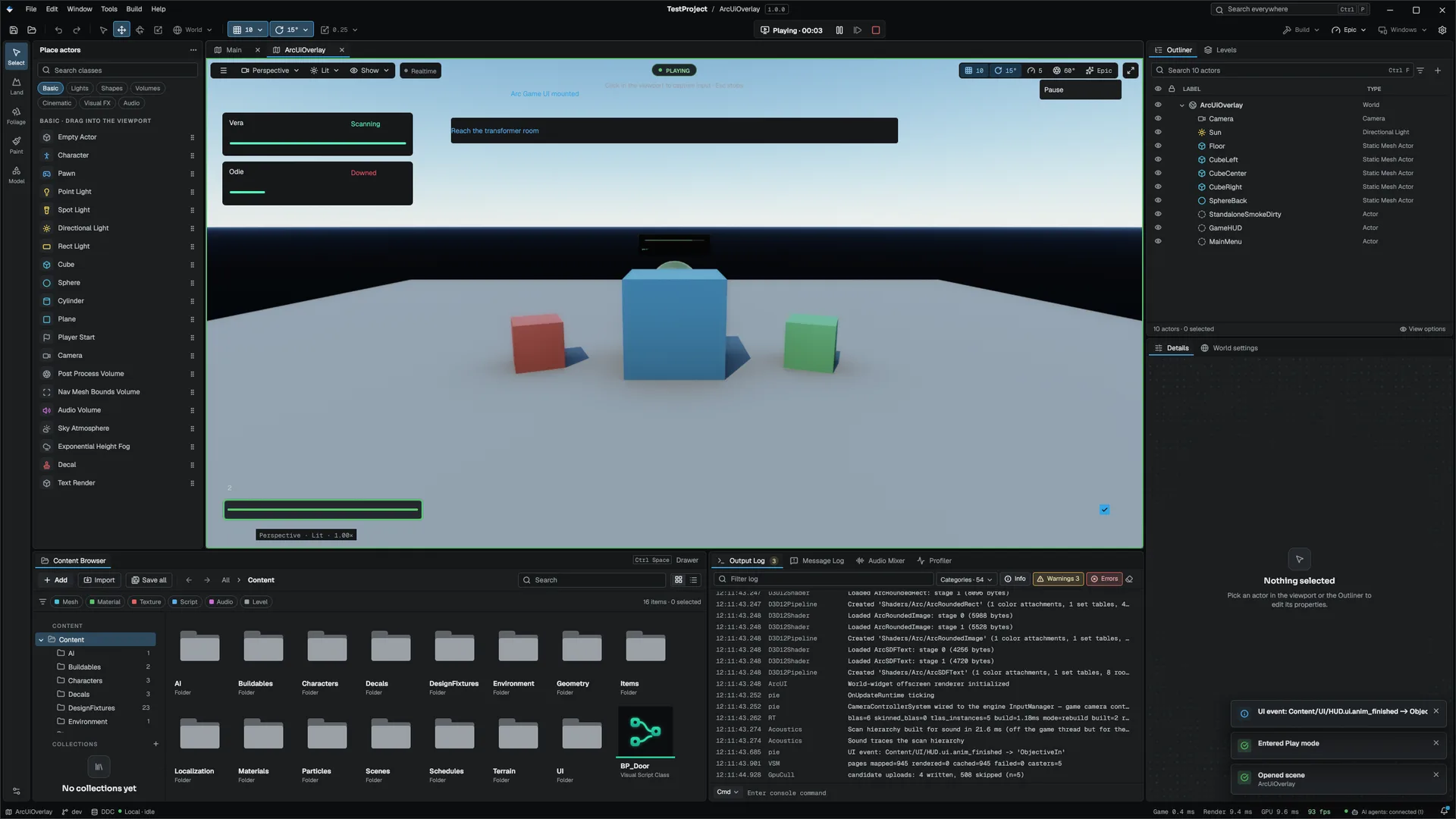
Mowo has one UI framework. Arc draws every panel of Mowo Editor and every menu and HUD in a shipped game. ArcUI is the game-UI layer built on top of Arc. If you know Unreal, Arc plays the role of Slate and ArcUI plays the role of UMG.
This section covers both halves: how Arc lays out, styles and routes input to widgets, how ArcUI turns a .ui asset into a live screen, the designer you author those assets in, the player settings screens that ship with the engine, and how game text is localized.
Two layers, one widget set
- arc-style.json tokens
- Arc widgets (C++)
- ArcUI factory
- .ui screen
- Screen stack overlay
| Layer | Module | What you use it for |
|---|---|---|
| Arc | MowoEngine.Arc (namespace Arcf) | C++ widgets, layout, focus, input routing, text, docking, the style set. The editor is written directly against it. |
| ArcUI | MowoEngine.ArcUI | Game screens as assets: the .ui format, .theme themes, the widget factory, data bindings, animations, the screen stack, world-space widgets and the settings, rebind and lobby screens. |
Arc's public dependencies are SDL3 and MDF; its font and render back ends are private. ArcUI sits above Arc and the ECS component tier and depends on the Visual Scripting module, so a screen can call graphs.
Because the editor and the game share one widget set, a widget in a game HUD is the same class the editor uses in its panels. FArcWidgetFactory builds .ui nodes into real Arcf widgets such as ATextBlock, AButton and ASlider, not into a separate game-only tree FArcWidgetFactory.
How a game screen gets on screen
- Author the screen
Create a
.uiasset with More > Arc Widget in the Content Browser and lay it out in the ArcUI Designer. The asset stores a widget tree, bindings, events, animations, and an optional theme and controller class. - Mount it
Attach an
ArcUIcomponent (fieldsasset,z_order,visible,auto_focus) to an entity, or push the screen from code withPushScreen(assetPath, zOrder, modal)ArcUIComponent CArcUIScreenStack::PushScreen. For a widget in the 3D world, such as a nameplate, use anArcUIWorldWidgetcomponent instead ArcUIWorldWidgetComponent. - Let the stack run it
CArcUIScreenStackbuilds the tree, composites every screen into one overlay, re-resolves bindings every tick, routes widget events and drives gamepad focus CArcUIScreenStack.
Details are on ArcUI screens.
Where to go next
Current limits
- A screen stack keeps one controller instance per class, keyed by class name, so two screens with the same controller class share its variables.
MUIStaticstalks to a single process-wide active stack.
Related
- Visual Scripting for the graphs that drive screen logic.
- API reference: Arc and ArcUI.
Engine sources
This page describes behavior implemented in these files of the engine repository, checked against commit 5922e6e5e.
- Engine/Source/Runtime/ArcUI/Public/ArcUI/CArcUIScreenStack.h
- Engine/Source/Runtime/ArcUI/Public/ArcUI/FArcWidgetFactory.h
- Engine/Source/Runtime/ArcUI/Public/ArcUI/ECS/Components/ArcUIComponent.h
- Engine/Source/Runtime/ArcUI/Public/ArcUI/ECS/Components/ArcUIWorldWidgetComponent.h