 Mowo
Content pipeline
How a source file becomes shippable game content - import into asset packages, the derived data cache, mbt cook and the archives a game mounts.
Everything a game is made of lives under the project's Content/ folder: meshes, textures, sounds, materials, levels, prefabs, UI and data. This section explains how that content moves from an artist's export to the bytes a shipped game reads, and which files the pipeline writes along the way.
The path a file takes
- Source file (SourceArt/)
- Import
- Asset package (Content/)
- Derived Data Cache
- mbt cook
- Archives
- Source file. An FBX, glTF, PNG, EXR or WAV that you export from a content tool. Keep sources in
SourceArt/besideContent/; the game never references them. - Import. The editor builds the source into asset packages in the
Content/folder you chose:.meshor.skmesh,.skel,.anim,.tex,.mat,.sound. Each package carries its id, its source path and hash, and the options you chose. See Importing assets. - Derived Data Cache. Expensive derived forms, such as a texture's compressed mips or a built mesh, are cached under
Intermediate/DerivedDataCache, keyed by content, settings and producer version. A team can share the cache through a folder or a server. See Derived Data Cache. - Cook.
mbt cookbuilds every package for the target platform, turns text assets into binary MDF, and packs everything into.meafarchives, optionally split into chunks. See Cooking.
Levels, materials, prefabs, UI and the other assets you author in the editor are text packages from the start. They have no import step, but they still pass through the cook and reach the archive in binary form.
What you commit and what you do not
The team commits sources, packages and project config. Everything the engine can regenerate lives in folders you do not commit.
| Path | What it holds | Commit it? |
|---|---|---|
SourceArt/** | Source files you import from | Yes |
Content/** | Asset packages, levels with their __ExternalActors__/ files, and the .mdfmeta sidecars of loose files | Yes |
Config/*.ini | Project config: redirects, import presets, chunks, plugins, input | Yes |
.gitattributes | The file-type block (LFS and merge drivers), generated from the file-type table | Yes |
Intermediate/DerivedDataCache/ | Cached derived data | No |
Saved/Cooked/ | Default output folder of mbt cook | No |
Saved/MigratedSources/ | Originals that a migration converted or replaced | No |
Saved/OrphanedMeta/ | Sidecars whose file disappeared | No, restore by hand |
The engine and the build tool name these folders in one place FProjectLayout.
Never delete a .mdfmeta file to "reset" an asset, and never delete and re-create a package to "clean" it. The sidecar or the package summary carries the asset's id, and every reference by id breaks without it. Reimport instead.
Binary packages (.mesh, .skmesh, .skel, .anim, .tex, .sound, .pointcloud, .gsplat) are stored in Git LFS and are lockable, because two people cannot merge them. Text packages merge property by property. See File types and Source control.
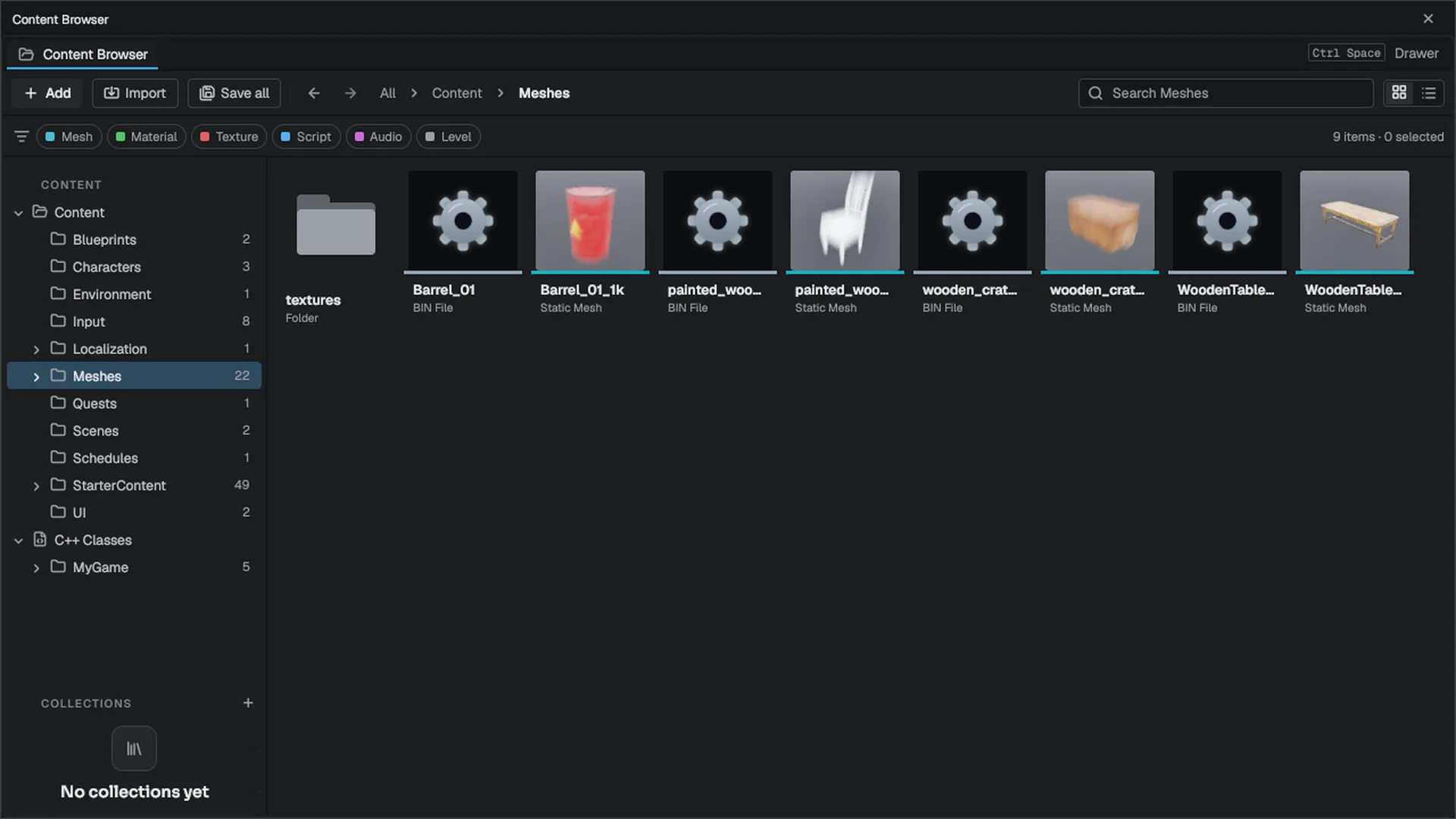
How the game finds content
Assets are never addressed by absolute disk path. A level stores a project-relative path such as Content/Props/Crate.mesh, and the virtual file system resolves it against a stack of mounts: the project's Content/ folder in the editor, cooked archives in a game, and engine content beneath both. See Archives.
Formats at a glance
| Format | Used for |
|---|---|
| MDF text | Levels, actor files, materials, prefabs, UI, gameplay data, sidecars |
| Asset packages | Every asset: an MDF summary and payload, plus bulk data for binary types |
.mmodel, .mtex, .maudio | The cooked mesh, texture and audio data the runtime decodes |
| INI | Project and engine configuration |
.meaf, .mutoc/.mucas | Cooked archives and IoStore containers |
| JSON | Only the .mproject and .mplugin manifests |
Older projects used generic extensions (.mdfscene, .mdfmat, .masset) and kept sources in Content/. Opening such a project renames its files to their own extensions; mbt asset migrate --source-art moves sources out. See File types.
In this section
.mdfmeta holds and how orphans are rescued.RedirectorsHow renames keep old references working.CookingWhat mbt cook produces and how to control it.Archives.meaf archives, IoStore containers and mounting.Derived Data CacheWhere cached data lives and how to share it.Loading assetsThe asset manager, references and memory.Engine sources
This page describes behavior implemented in these files of the engine repository, checked against commit 5922e6e5e.
- Engine/Source/Runtime/Core/Public/Core/FileTypes.h
- Engine/Source/Runtime/Core/Public/Core/ProjectLayout.h
- Engine/Source/Runtime/MDF/Public/mdf/mdf_package.h
- Engine/Source/Runtime/AssetFormats/Public/AssetFormats/AssetPackageTypes.h
- Engine/Source/Runtime/AssetSystem/Public/AssetSystem/AssetPackageMigration.h
- Engine/Source/Runtime/Filesystem/Public/Filesystem/DerivedDataCache.h
- Engine/Source/Runtime/Filesystem/Public/Filesystem/MEAFFormat.h