How signing in and activation work in Mowo Engine
One Mowo ID, three computers, two weeks offline. What the Project Launcher does when you sign in, what leaves your computer, and what happens when you go offline.
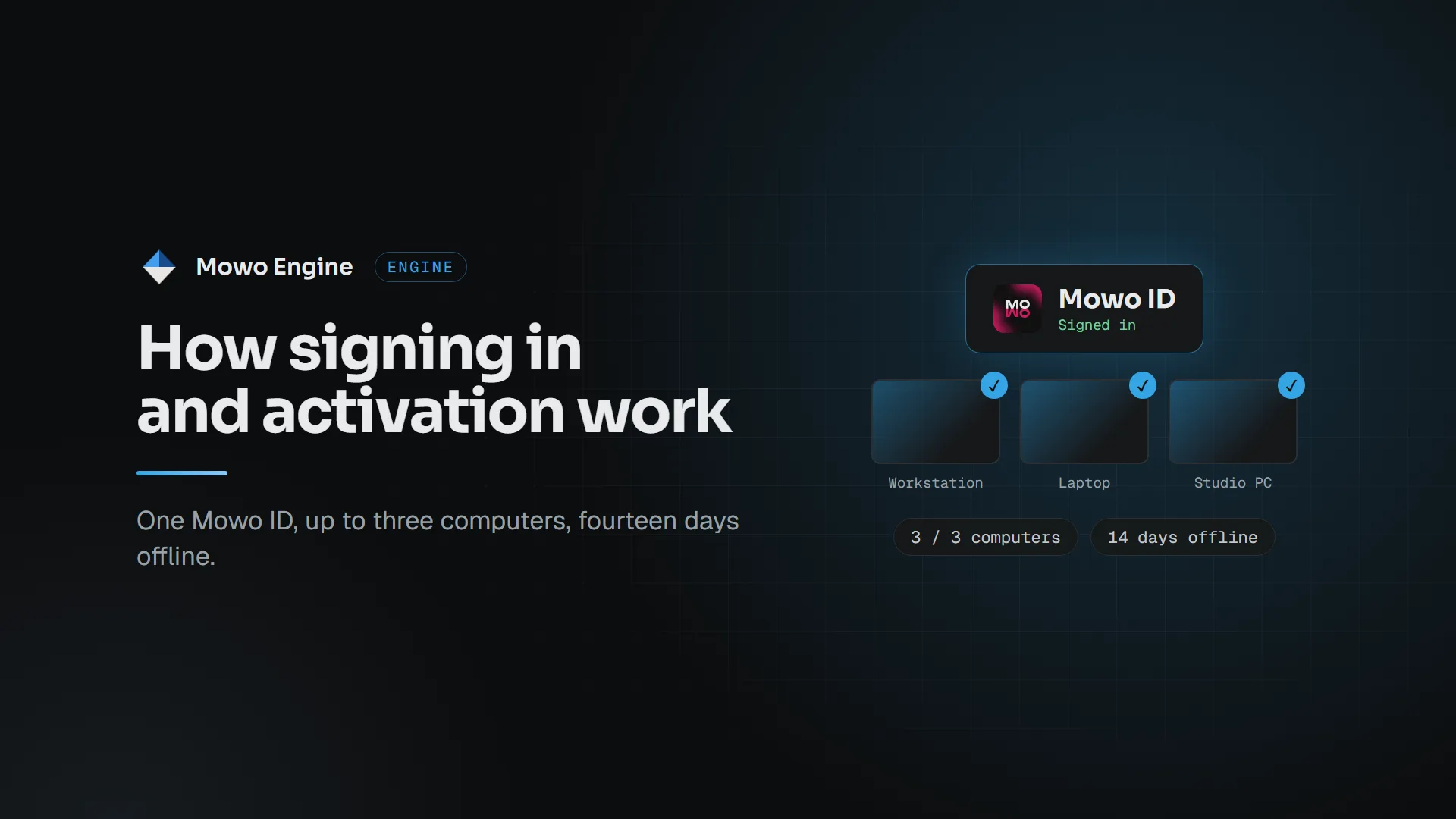
Installed copies of Mowo Engine check for a license before the editor starts. This post explains what that check does, so nothing about it surprises you.
Sign in once, in the Project Launcher
Mowo Project Launcher has an Account page. Sign in there with your Mowo ID: the launcher opens your browser, you confirm, and you are back in the launcher. If the browser route does not work on your machine, choose Use a code instead and enter the short code on any device.
The launcher keeps you signed in through your operating system's credential store, so you sign in again only if you sign out.
Activate the computer
With a license on your account, choose Activate this computer. The launcher asks mowoengine.com for a signed lease for this machine and stores it locally. The editor reads that lease when it starts.
You can have three computers active at a time. The Devices page of your account lists them with their names, operating systems and when they were last seen. Unlink a computer you no longer use and the slot is free again.
What leaves your computer
To tell your computers apart, the engine sends a one-way hash of a hardware identifier, never the identifier itself, plus the computer's name, its operating system and the engine version. That is what you see on the Devices page.
Working offline
A lease is valid for 14 days. While you are online, the launcher and the editor renew it quietly in the background, so the 14 days restart every time you connect. Offline, everything keeps working until the lease runs out. When fewer than three days are left, the editor shows a reminder to connect.
If the lease does expire, the editor tells you so at startup and offers to open the Project Launcher or the license page. Your projects are untouched: connect, and the next start renews the lease.
Signing out
Sign out in the launcher first frees this computer's slot, then signs you out. If the computer is offline, the slot stays taken until you unlink it from the Devices page.
Builds from source
The license check is part of the installed editor only. Editors you build yourself from the engine source do not check for a license. Games you ship never contain it either: the editor-only code never reaches a game build.